Top 7 Benefits of Using Easy Scanner App
Here are seven benefits we hear about most from people who use Easy Scanner every day. Some save time, some save money, and a couple just mean less paper lying around.
Declutter your wallet
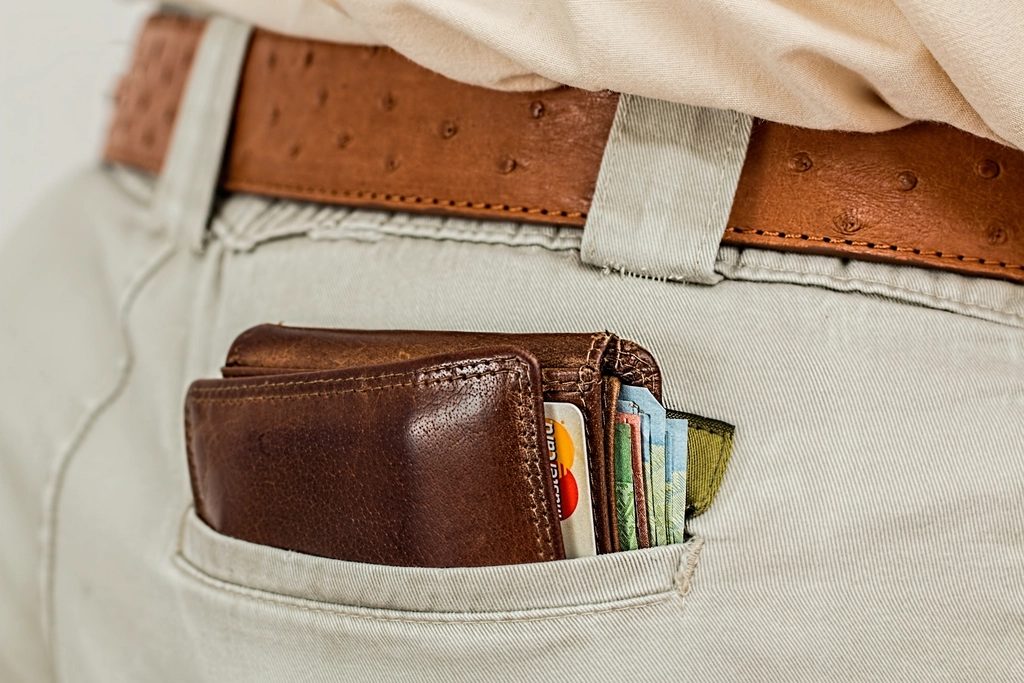
Most wallets carry more than they need to: an ID card, two bank cards, a gym card, a loyalty card for a coffee shop you visit twice a year, and a wad of receipts. You can shrink that a lot by digitizing your wallet. Scan your ID, financial and membership cards, plus the documents worth having a copy of, and keep them on your phone.
You'll still carry the cards you really use. The rest can stay at home, and when you need a membership number or a card's details, you open the app instead of digging through every pocket.
Easy access to important documents
The documents you need in a hurry are rarely the ones you have on you. Scan your insurance card, receipts and emergency contact details once, and they're on your phone the next time you're at the doctor's front desk, filing an insurance claim, or trying to return something you bought last month.
It's a small thing until the day you need it. Then it's the difference between reading a policy number off your screen and calling home to ask someone to look in a drawer.
Better organization
Scanning is only half of it. Easy Scanner lets you make folders, so you can keep ID cards, financial cards, membership cards and everything else in their own places. Name them however you like: "Cards", "Car", "Medical", "Taxes 2024".
A tidy folder list on your phone is easier to keep up than a filing cabinet, mostly because you sort each scan the moment you make it. Nothing piles up waiting for a free afternoon. When you need something, you open the folder and it's there, instead of flipping through a stack of paper hoping the page you want isn't stuck to another one.
Increased security
A physical wallet can be lost or stolen in a second, and everything in it goes too. Keeping digital copies of your ID cards, financial cards and insurance documents on your phone means you still have the details if that happens.
Easy Scanner offers password protection and encryption for stored documents, so the copies on your phone aren't open to anyone who picks it up. That lowers the risk that a lost wallet turns into identity theft or fraud, and it makes replacing cards much simpler because you have the numbers.
A practical habit: after you scan a bank card, keep it in a folder of its own and lock your phone with a passcode. The scan helps you report the card quickly; it shouldn't be the easiest thing on your phone for a stranger to find.
Time-saving
Think about how often you look for a piece of paper: the warranty for the washing machine, a receipt for an expense claim, last month's bank statement. Each search is a few minutes, and they add up.
Scan receipts, membership cards and statements as they come in and you skip the filing and sorting entirely. At home, at work or out somewhere, the scan is on your phone and you can pull it up in seconds.

Environmentally friendly
Every receipt, contract or ID copy you keep as a scan is one less sheet printed, photocopied or filed. Over a year that's a fair amount of paper you don't buy and don't throw away.
It doesn't have to be all or nothing. Start by not printing things just to keep a copy. Scan them instead, and your shelves stay emptier while the documents stay findable.
Backup and recovery with Easy Scanner App
Phones get dropped, lost and replaced. Easy Scanner can store your scans in the cloud, for example in iCloud, so they aren't tied to one device.
If your phone breaks, sign in on the new one and your documents come back. The same goes for opening a scan on your tablet that you made on your phone that morning, or pulling up a contract at work that you scanned at home the night before.
This is the benefit people tend to notice only after something goes wrong. A cracked screen is annoying; losing every receipt you scanned for a tax return is much worse. Turn backup on early and you don't have to think about it again.
Getting started
Don't try to scan everything at once. Start with your wallet: scan the cards you carry, put them in a folder, and turn on backup. That takes about ten minutes, and it's the part most people end up glad they did. Then add receipts and paperwork as they arrive.