Reduce your wallet size by digitizing documents
Louis Eiden
·Apr 11, 2024·3 min read
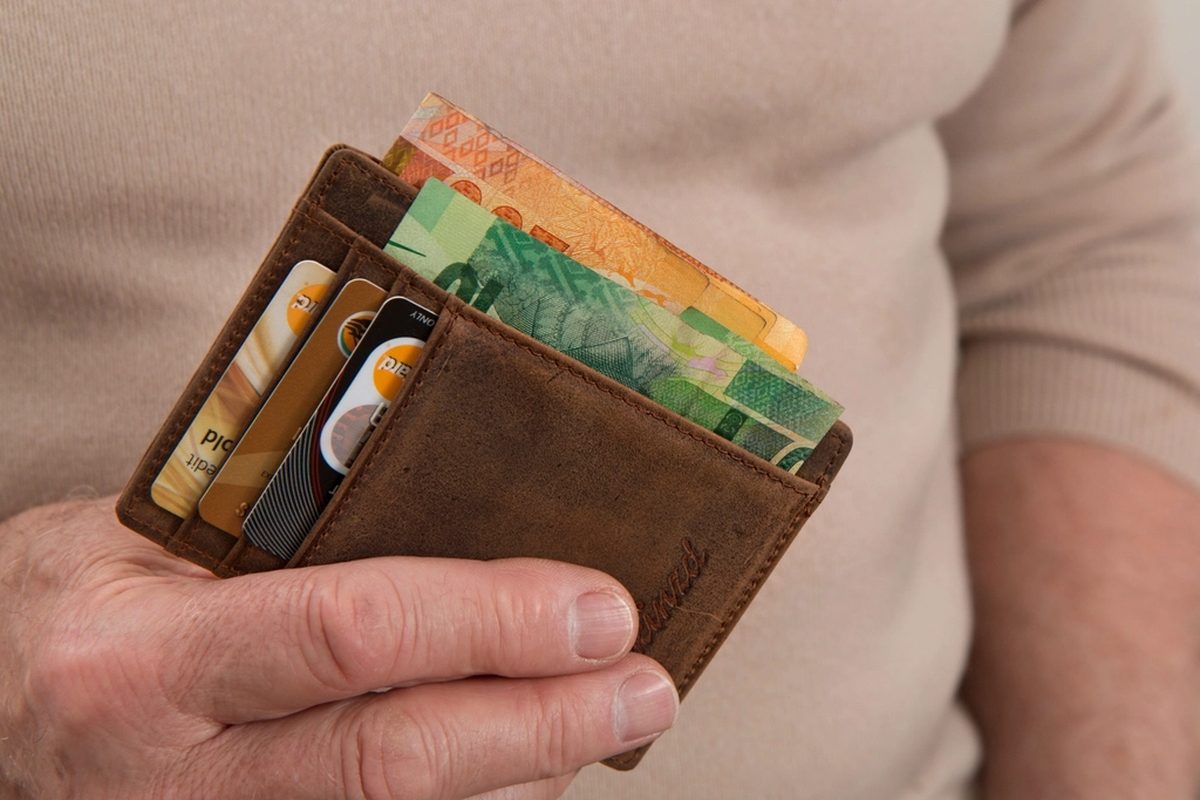
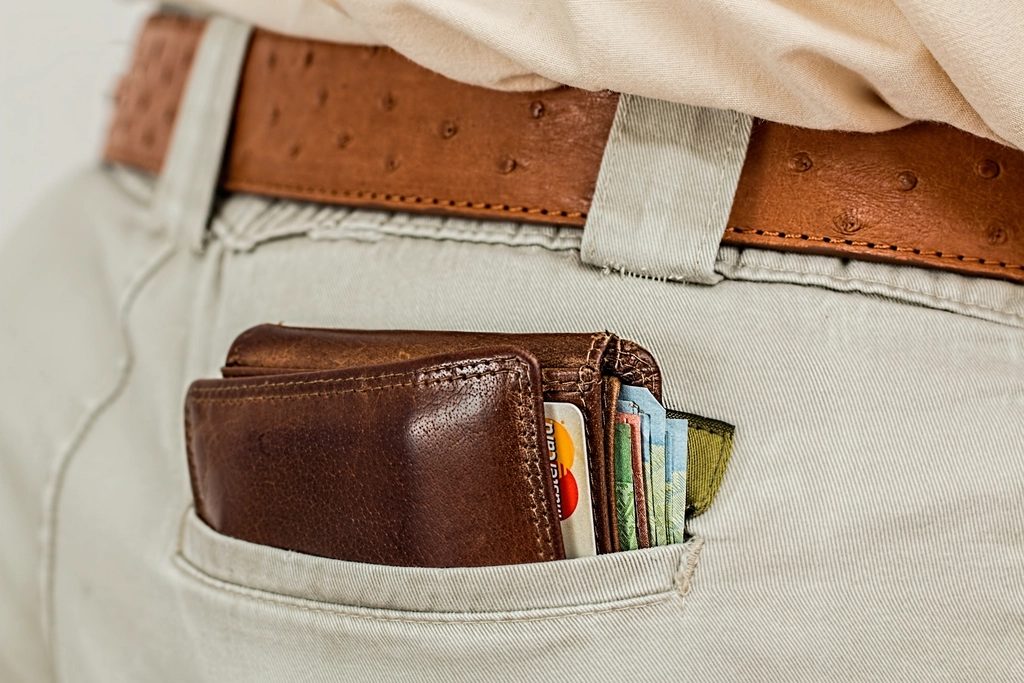
If your wallet won't close because of old receipts and cards you use twice a year, a scanning app can take most of that weight off. With Easy Scanner you scan the cards and papers you want to keep track of, store them on your phone, and carry only what you actually need.
- Identification Cards
Easy Scanner has plenty of benefits, and this is one of the simplest: a thinner wallet. Start with your ID documents, such as your driver's license, national ID card and passport. Scan both sides of each card and save them in a folder on your phone.
Now when a form asks for your passport number or a hotel wants a copy of your ID, you have it on hand. If a card is lost or damaged, you still have a clear copy with all the details, which makes replacing it a lot less painful.
One caution: a scan is a copy, not the card. Keep carrying your physical license when you drive.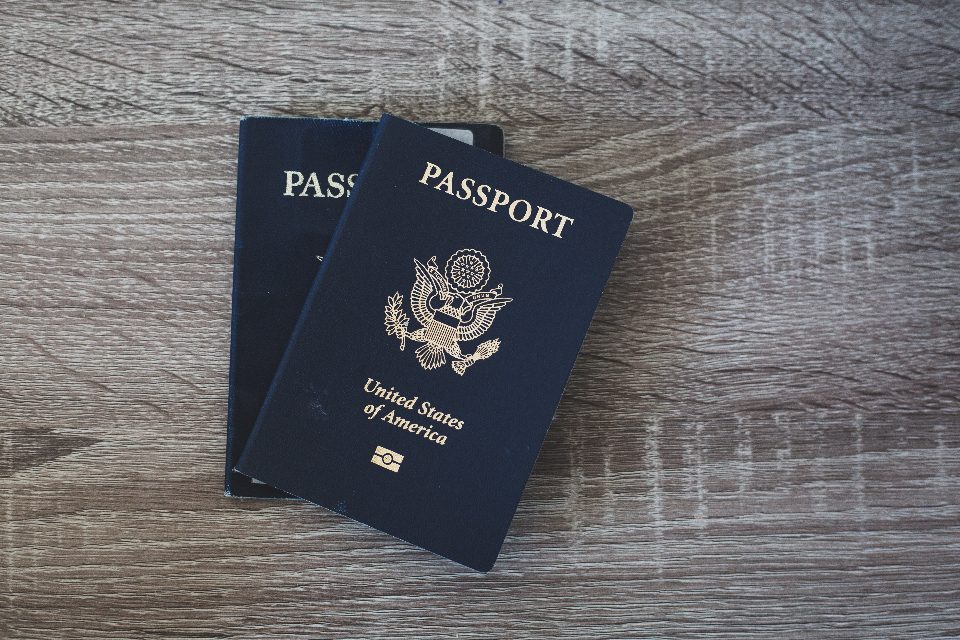 An ID card scanned with Easy Scanner
- Financial Cards
Credit cards, debit cards and prepaid cards pile up fast. Scanning them gives you one place on your phone to check which cards you have, when they expire and which bank to call if one goes missing.
Having that list in one spot also makes it easier to keep an eye on your spending and spot a card you forgot you were paying fees on.
Leave your main debit card and one credit card in the wallet. The rest can stay in a drawer at home, with the scans as your reference for numbers, expiry dates and the bank's phone number on the back.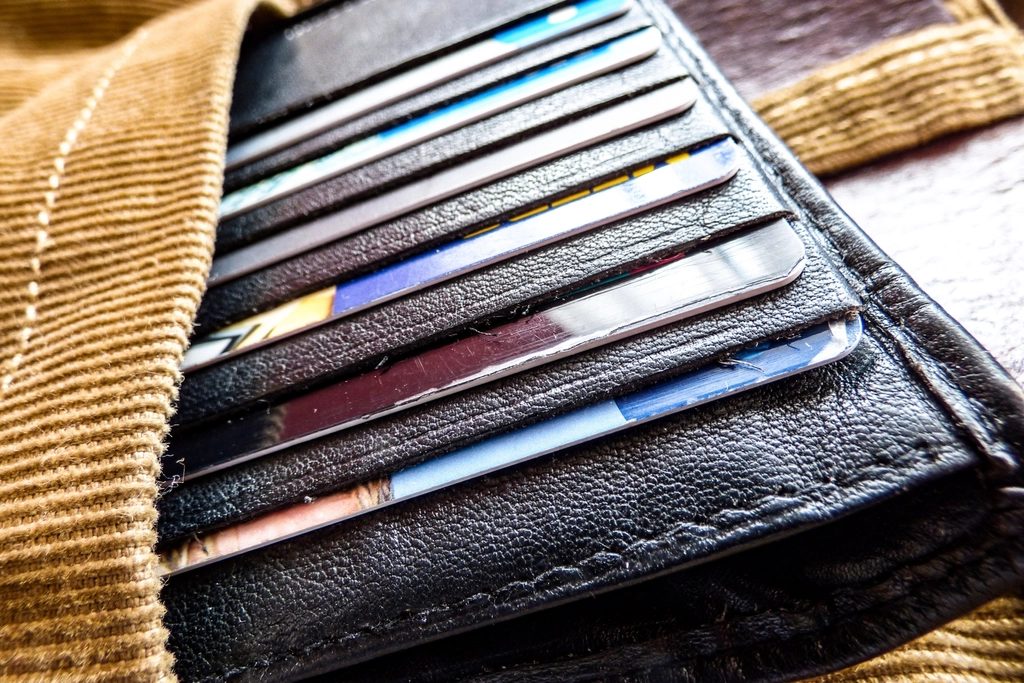 Keeping financial cards organized
- Membership Cards
Loyalty cards, gym cards and store cards are the easiest ones to leave at home. Scan them into a "Memberships" folder and pull up the right one at the counter. Many stores can look you up from the card number alone, so the scan is often all you need to collect your points. It also helps you notice memberships you no longer use, which is a good moment to cancel the ones that still charge a monthly fee. - Insurance Cards
Health, car and home insurance cards tend to be needed at bad moments: at the doctor's office, after a fender bender, on the phone filing a claim. With scans on your phone, you can read off the policy number even if your wallet is in the other bag. Put them all in one folder so you're not scrolling under stress. - Digitizing Documents
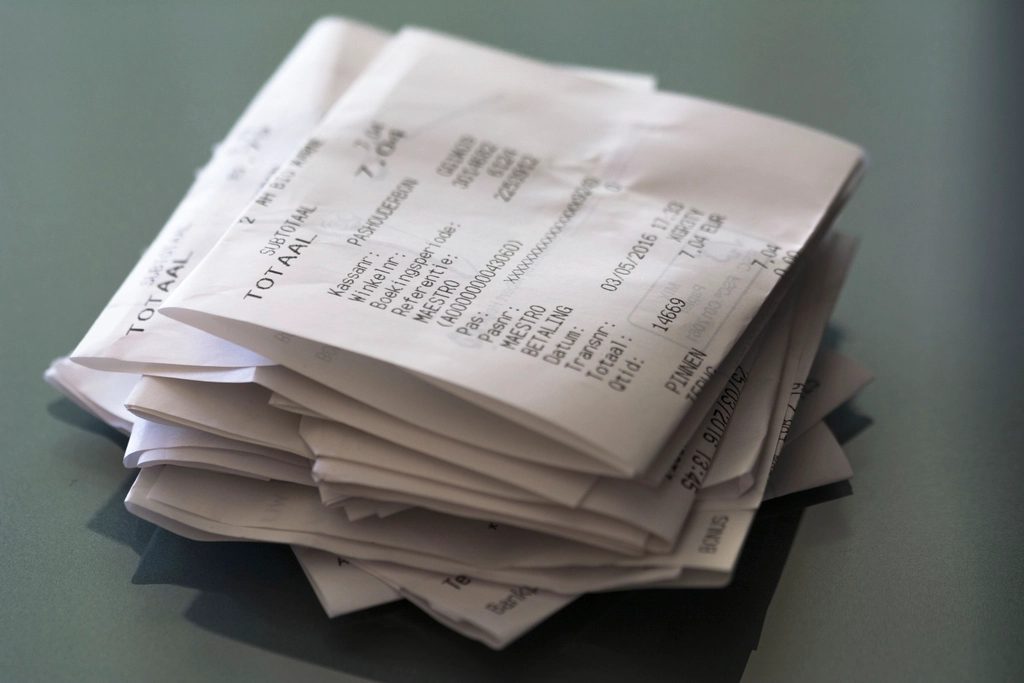
The rest of the wallet is usually paper: receipts, business cards, emergency contact details, bills. Scan them when you get home and throw away what you don't need to keep. Easy Scanner crops and cleans up each scan, and OCR picks up the text, so you can search for a store name or a business contact later instead of digging through a drawer.
The receipt you need for an expense claim three weeks from now will be in the app, not crumpled at the bottom of a coat pocket.
How to get started
Empty your wallet onto the table and sort it into three piles: cards you use every week, cards you rarely use, and paper. Scan the second and third piles with Easy Scanner, then decide what goes back in the wallet.
Name your folders by type (IDs, Financial, Memberships, Insurance, Receipts) so you can find a scan in a few taps. If you sign in to an account, your scans also sync to your other devices.
Watch More: