Essential Documents You Should Scan Today
Most of us keep important papers in a drawer and hope we never need them in a hurry. Then a landlord asks for the lease, a new doctor wants your test results, or the tax office sends a letter. Scanning these papers with your iPhone or Android phone means you can find them in seconds, and you still have a copy if the original is lost. Here are the documents we'd scan first, and why.
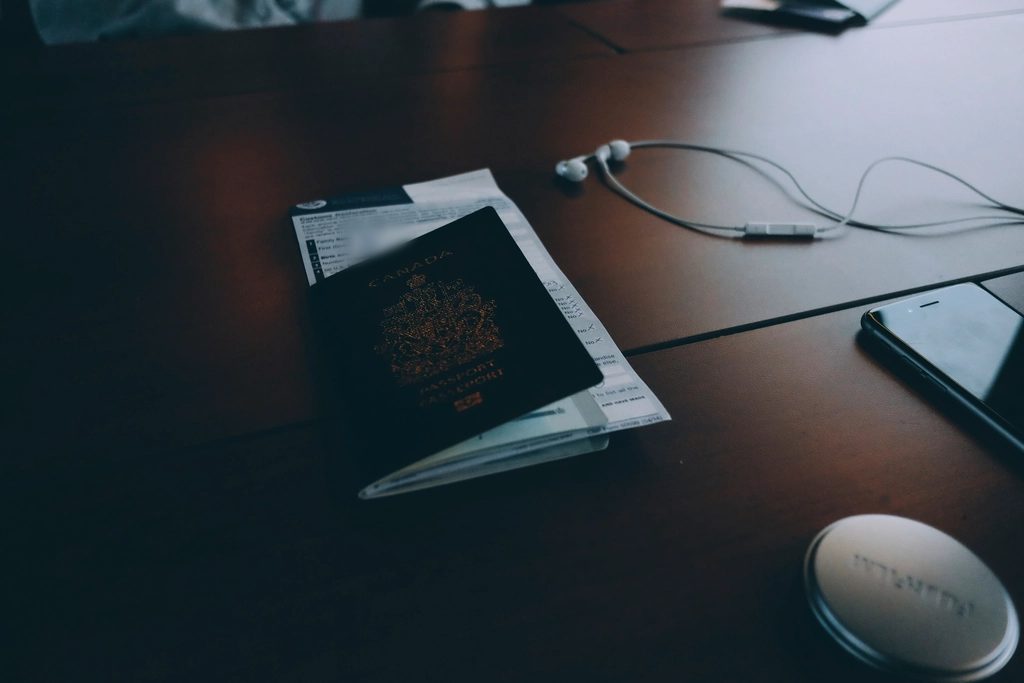
Legal Documents and Contracts
Leases, employment contracts and non-disclosure agreements are the papers you need in a dispute, and they're usually the ones you can't find. Scan them with Easy Scanner on your iPhone or Android device and you get clean, searchable PDFs you can file in folders. There are two versions to choose from: EasyScanner Free or EasyScanner Pro.
A scan keeps the layout of the original, and you can email it to a client, coworker or lawyer, or put it in cloud storage. OCR (optical character recognition) reads the text in the scan, so in a 30-page contract you can search for "termination" instead of reading every page to find the clause.
It also helps in meetings. When someone asks what the contract says about notice periods, you pull it up on your phone. And if the paper copy is ever damaged or misplaced, you still have the agreement.
Medical Records and Prescriptions
Medical paperwork tends to be scattered across different clinics, labs and pharmacies. Scanning test results, treatment plans and prescriptions on your iPhone or Android phone gives you one place to keep your own health history, and you can share it with a new doctor or specialist when they ask.
This is most useful when you're not expecting it. At an urgent care visit, being able to show your medication list and recent test results helps the doctor make decisions faster. With OCR, you can search your scans for a drug name or a test, rather than scrolling through years of documents.
Scanning prescriptions also helps avoid mix-ups. If a pharmacy accepts a copy, you can send it ahead and spend less time waiting at the counter. Keep these scans in cloud storage you control, and be careful who you share them with, since medical information is personal.
A good starting set: your latest blood work, any long-term prescriptions, vaccination records, and the discharge papers from any hospital stay.
Financial Documents and Tax Returns
Bank statements, invoices, receipts and tax returns are worth scanning for both households and small businesses. Use the app on your iPhone or Android phone to scan them as they arrive, and you end up with a record of your finances that doesn't take up a filing cabinet.
Budgeting gets easier when the numbers are in one place. You can look back at income, spending and investment records without pulling out folders, and spot patterns, like how much really goes to eating out each month.
Tax season is where this pays off most. When you need last year's return or a receipt for a deduction, you search for it instead of emptying a drawer onto the floor. A backup copy in the cloud also means a fire, a leak or a break-in doesn't take your financial records with it.
OCR helps here too. Search for a vendor name or an amount and the matching scans come up, which is handy if you're preparing for an audit or answering a question from your bank.
If you only do one thing, scan each tax return the day you file it. That alone saves a lot of stress the following year.
Education-Related Documents
Report cards, transcripts, diplomas and certificates get requested again and again: for college applications, scholarships, internships, visas and jobs. Scanning them once means you always have a copy ready to attach, and you can get rid of some of the paper clutter.
Students can keep their transcripts and certificates in one folder and send them the same day they're asked for. Over time, that folder doubles as a simple portfolio of what you've achieved, which is useful when you apply for a job or a graduate program.
Parents can scan school projects, notes from parent-teacher meetings and letters from teachers. It's an easy way to keep track of how a child is doing across the year, and to look back at what was said when a question comes up.
Teachers can scan lesson plans, assessments and handouts, then share them with colleagues or students without making photocopies. With OCR, you can search your old materials for a topic instead of hunting through binders.
Personal Memories and Family Heirlooms
Old photos, letters and family documents are the things people most regret losing, because there's no replacing them. Scanning them gives you a copy that can be kept safe and shared with the rest of the family.
Start with photos that are already fading or curling. A scan captures them as they are now, before they get worse, and you can send copies to relatives, put together a slideshow for a reunion, or print an album for a birthday.
Handwritten letters and notes from grandparents or parents mean a lot, and scanning them keeps those words around. Put them next to old photos in a digital scrapbook and younger relatives who never met those people get a sense of who they were. It's often a good way to get older family members telling stories, too.
Birth certificates, marriage licenses and family trees belong on this list as well. Keep the originals somewhere safe, and keep scanned copies you can find quickly or send to a relative working on the family history.
For heirlooms like jewelry, furniture or artwork, take a photo of the item, then scan any written notes about where it came from. Keeping the item and its story together means the story doesn't get lost when the item is passed on.
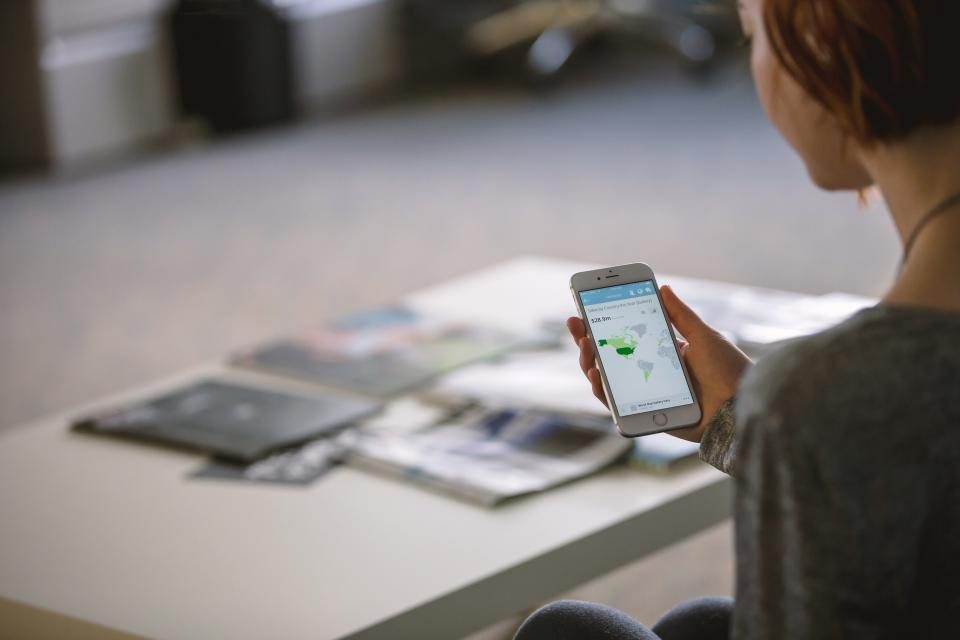
Where to start
You don't need to scan everything this weekend. Pick one category from this list, probably the one you'd be most upset to lose, and do it in one sitting. Set up a folder for it in the app, name each file clearly (for example "Lease 2024" or "Passport copy"), and sign in to your account so the scans sync and are backed up.
Then add new papers as they arrive. Scanning a document the day you receive it takes a minute. Finding a paper you filed somewhere five years ago can take an afternoon.