Best Way to Share Old Photo Albums with Your Family
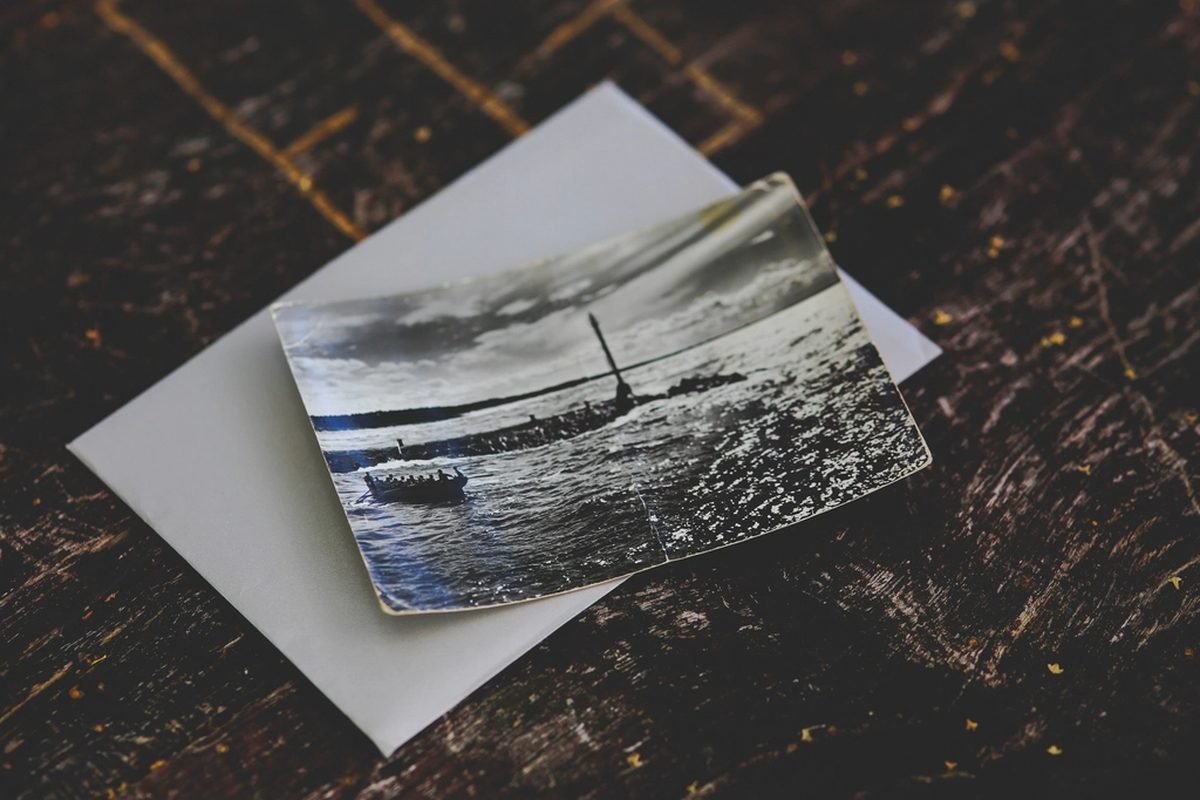
Most families have a box of albums in a closet that only one person really knows about. Scanning them with Easy Scanner gets those photos onto everyone's phone. This post covers how to scan, tidy up, organize and share them, plus printing copies when someone wants a real one to hold.
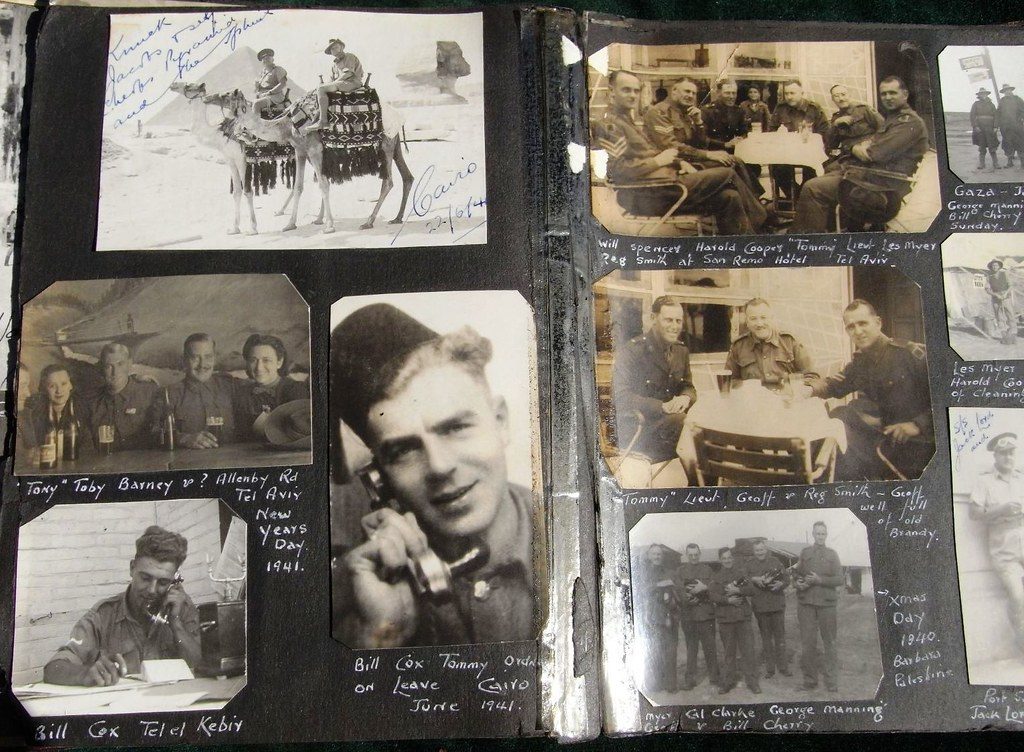
Digitize old photo albums with Easy Scanner
We've written about using Easy Scanner for law firms, but some of our favorite scans have nothing to do with work. Old photos fade, stick to album pages and get lost when people move house. A digital copy fixes all three, and you can make one with your phone.
Step by step
Prepare your photos: Pull the albums out and wipe each print gently so dust doesn't show up in the scan.
Scan with Easy Scanner: Point your phone at the photo and let the app find the edges and crop it. Image enhancement helps with faded colors. If several loose prints fit on the table, you can scan more than one at a time.
Edit and organize: Nudge brightness and contrast where needed. Then use Easy Scanner's automatic naming and folders to group the images by event, year, or person.
Back up and share: Keep a backup copy in cloud storage, then give family members access so they can look through and download the photos themselves.
Why bother
The photos stop aging: the prints will keep yellowing, but the scans won't.
Everyone can see them: a cousin overseas can scroll through grandma's wedding album on a phone, any time.
You can make things with them: photo books, reprints, a slideshow for a birthday.
Create a family photo archive
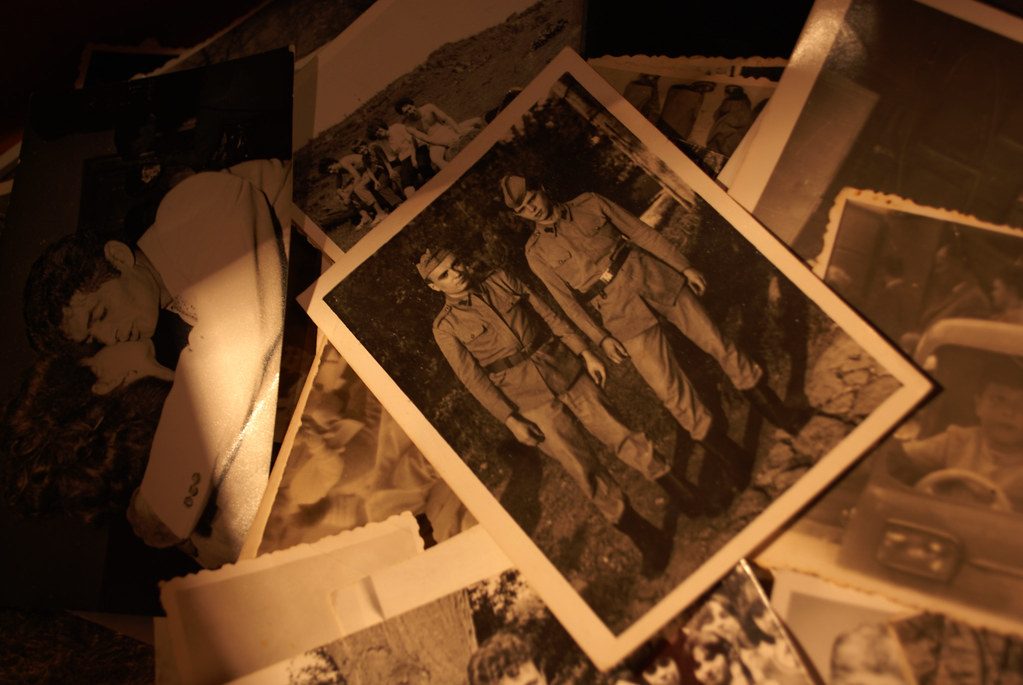
An archive is a step past a pile of scans. It's your family history in one place, sorted so anyone can find "Dad's graduation" without scrolling through 600 images.
Start by collecting every album and loose envelope you can find. Go through them once and set aside duplicates and the blurry shots nobody will miss. Sort the rest into rough groups such as holidays, weddings, or each grandparent's side of the family. Give each print a quick wipe with a soft cloth.
Then scan. Automatic cropping and enhancement take care of most of the cleanup, and scanning several photos at once speeds things up. If there's handwriting on the back ("Hue, summer 1978"), scan that too. The OCR feature can pick up the text, which gives each photo its context.
Put the finished scans into folders by group and date. Back the whole archive up to a cloud service such as Google Drive or Dropbox, so one lost phone doesn't take the archive with it.
Share the archive with the rest of the family and ask them to add what they have. Someone always has a box you didn't know about. Later you can turn the best images into a photo book or a calendar.
Share via Easy Scanner's mobile printing feature
Not everyone in the family wants photos on a screen. For them, you can print straight from Easy Scanner. Pick the images, choose a paper size, and choose color or black-and-white, one-sided or double-sided.
Printed copies are good for a new album, a framed print for a grandparent, or a handmade card with an old photo on the front. One tip: print a single test page first, since old photos often come out darker on paper than they look on your phone.