Simplify Check-Ins in Hospitality with Mobile Data Capture

Front desks still deal with a lot of paper: passports, booking confirmations, payment slips. Easy Scanner lets your staff capture all of it with an iPhone at the counter, so check-in takes less time and nothing gets retyped by hand. Here's how it fits into registration, room assignment and payment.
1. Faster Guest Registration
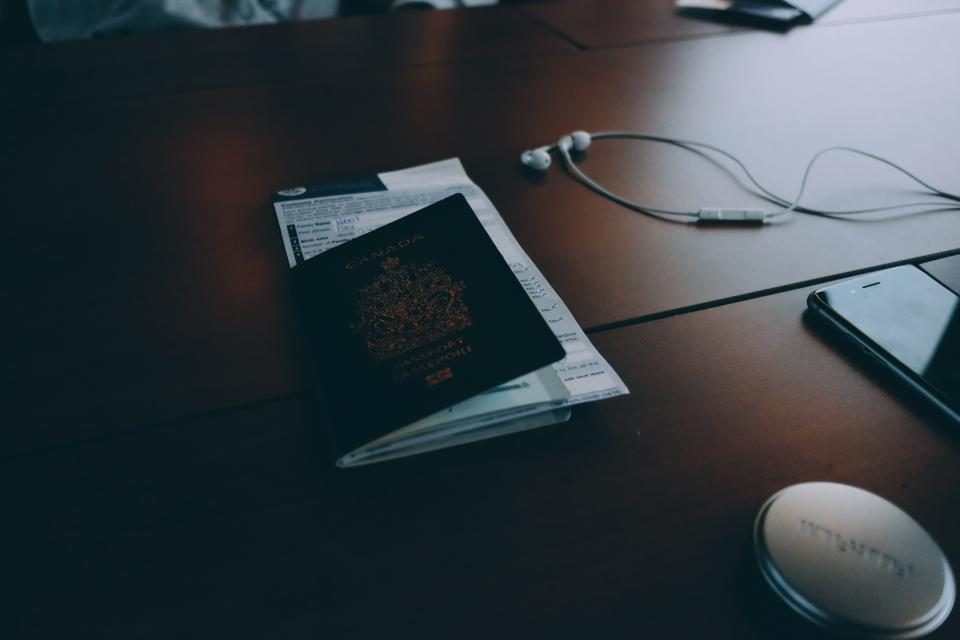
With the EasyScanner app, the person at the desk scans the guest's ID, a driver's license or passport, instead of copying details into a form. The app finds the edges of the card, crops it and cleans up the image, and OCR pulls the text so it can be copied rather than typed.
For the guest, that means a shorter wait after a long trip. For your staff, it means fewer typos in names and passport numbers.
Scans go into folders in the app, so you can sort them however your desk works: by date, by booking, by guest name. If a guest comes back next year, or calls during their stay with a question, the record is a quick search away instead of in a filing cabinet in the back office.
2. Hospitality with Instant Room Assignments
Guests often show up with a printed reservation or a receipt from a booking site. Using Easy Scanner as an iPhone document scanner, the front desk can scan receipts and confirmations on the spot, check the booking and hand over a key.
This helps most at busy times. When three groups arrive at once, nobody has to walk to a back-office scanner, and the confirmation is saved the moment it's checked.
A simple folder setup goes a long way here. Some hotels keep one folder per day of arrivals, others one per booking channel. Pick whatever your team will actually stick to, so anyone on shift can pull up a reservation without asking around.
3. Efficient Payment Processing
Staff can also scan cards and payment confirmations at check-in. Guests spend less time on forms, and the desk ends up with a clear digital record of each transaction instead of a pile of slips.
Because staff can scan receipts straight from their iPhones, settling a bill or confirming a deposit is quicker. Those records are stored in the app and can be pulled up later when accounting needs to match a payment or a guest disputes a charge.
One practical note: decide as a team which payment documents you scan and who can open them, and follow your hotel's own rules for handling card details. Easy Scanner keeps the records organized, but the policy is yours to set.

Where to start
Try it on one shift first. Install Easy Scanner on the front desk iPhone, set up a folder for that day's arrivals, and scan every ID and confirmation that comes in. By the end of the shift you'll know how long a scan takes at your counter and how your team prefers to name and file things. From there, add room assignments and payment records once the routine feels natural. The free 3-day trial is enough for a test run like this.