EasyScanner Available on for ipad and Galaxy Tab
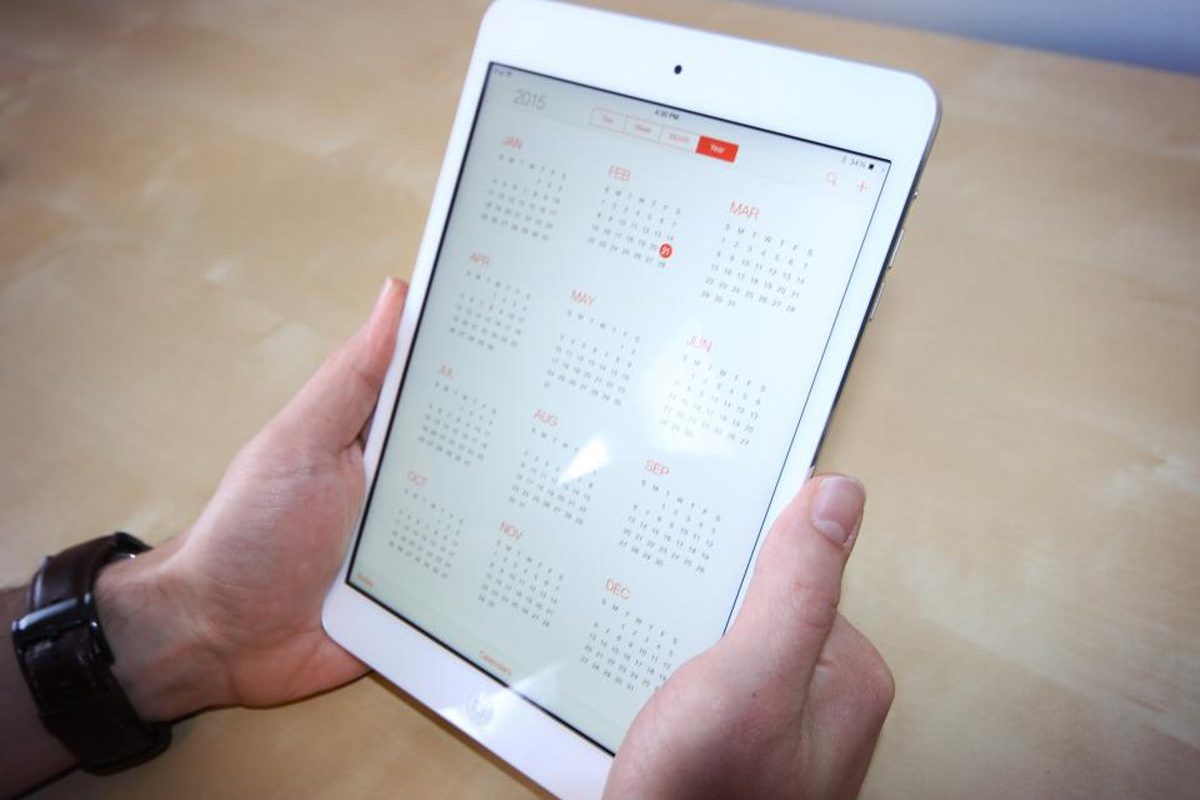
We already have sign-up guides for iPhone and Android phones. Easy Scanner also runs on the iPad and the Samsung Galaxy Tab, and a few things work better on the bigger screen.

Why use EasyScanner on an iPad or Galaxy Tab?
Mostly, it's the screen. A scanned contract or a page of handwritten notes is much easier to check on a tablet. You see the whole page without zooming, and you notice a crooked crop before you send it.
A tablet also travels well. Away from your desk, you can scan a page, put it in a folder and send it to a colleague in a couple of minutes. Less paper in your bag.
Steps to register an account on iPad and Galaxy Tab
Signing up works the same way as on a phone, so you can follow our guides for iOS or Android. The short version:
Step 1: Search for Easy Scanner on the App Store (iPad) or Google Play (Galaxy Tab).
Step 2: Install the app and open it.
Step 3: Scan your first page.
Step 4: Share the scan with whoever needs it.
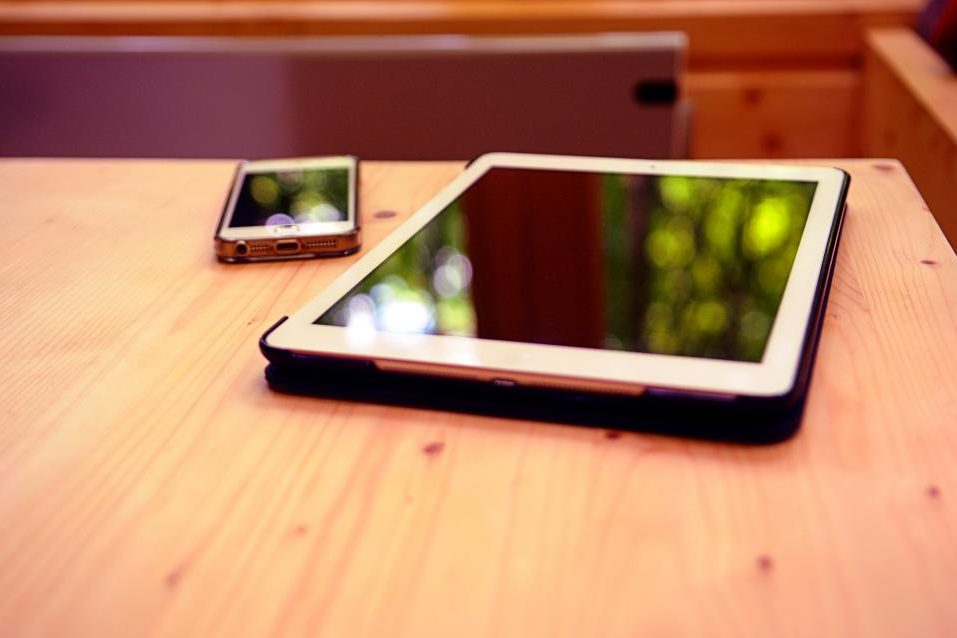
Tip: already using Easy Scanner on your phone? Sign in with the same account on the tablet and your scans sync between the two.