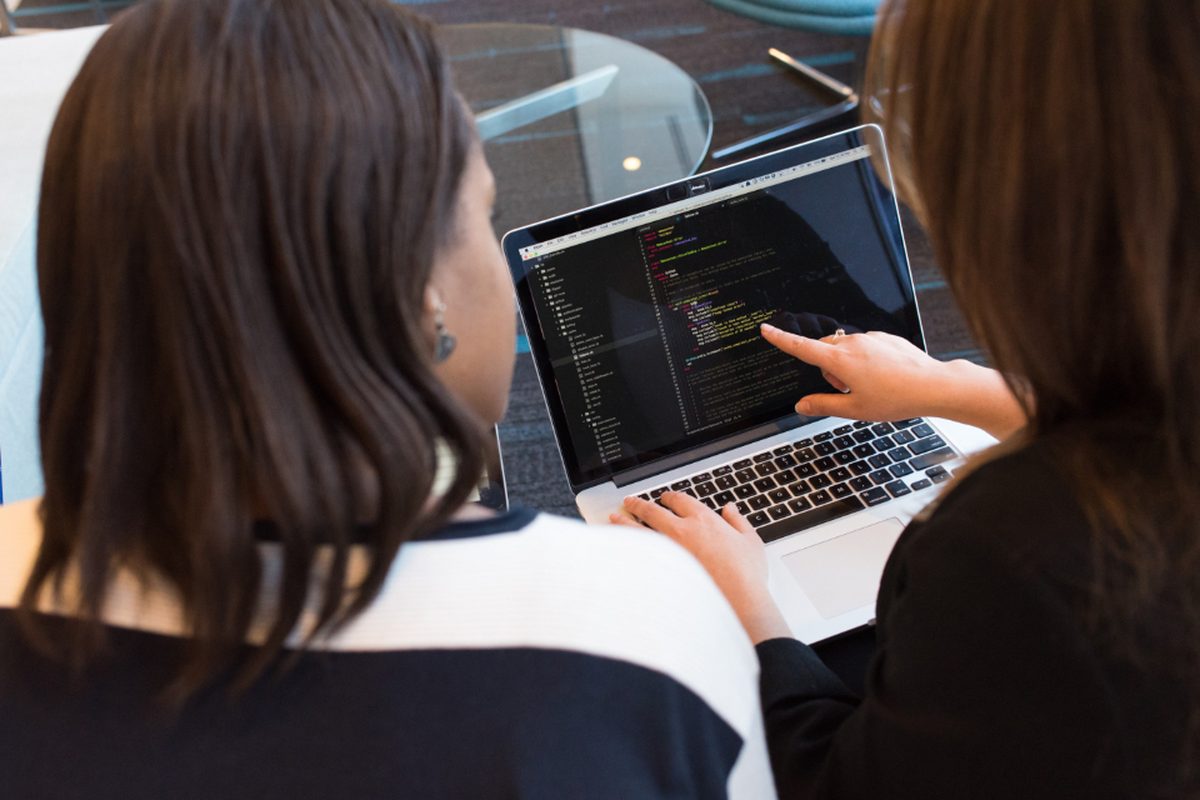
How EasyScanner Boosts Productivity for Teachers and Students

Teachers and students handle a surprising amount of paper in a week: worksheets, permission slips, graded tests, notes borrowed from a friend. Easy Scanner turns those pages into files on your phone, so you print less, find things faster and can share work without passing paper around. Here is how that plays out in a school week.

Reduce Paper Usage with EasyScanner: Eco-Friendly for Educators
Every lesson plan you keep as a scan is one less copy in a binder.
Scan your lesson plans, student assignments and teaching materials, and keep them in folders on your phone or tablet. When you need last year's unit on fractions, you open a folder instead of standing at the photocopier.
It adds up over a school year. Fewer printouts means less waste, and Easy Scanner makes the habit easy to keep: open the app, point the camera, and the page is cropped and saved.
Students notice, too. When the teacher hands out a scan instead of a stack of copies, it's a small, everyday lesson in not wasting paper.
Streamlined Workflow: Simplify Document Management with EasyScanner
Teachers juggle a lot of documents, and most of the lost time goes into looking for them. Scanning worksheets, lesson plans and assessments as you go keeps them in one place on your device. We wrote more about organizing your documents in a separate post.
A setup that works for a lot of teachers: one folder per class, with subfolders for handouts, tests and returned work. When a parent asks about a grade from October, you can find the test in a minute.
The app is simple enough to use between periods. Scan, name the file, move on.
You can also categorize and tag scans, so a search for "quiz" or "unit 3" brings up the right pages instead of everything you've ever scanned. The minutes you save on searching go back into planning lessons and talking with students.
Boosts Productivity: Save Time with EasyScanner
School days are busy, and scanning shouldn't eat into them.
With a few taps on your phone you can capture a handout, a test paper or a student's drawing. No walking to the office scanner, no waiting for it to warm up, no emailing scans from the copier to yourself.
Easy Scanner adjusts the image automatically, so pages come out clear and readable without manual editing. If the lighting in your classroom is bad, try a contrast filter before you save.
That's a few minutes back per day on admin work. For a teacher, it's a few more minutes for lesson planning or for the student who stays after class with a question.
Students get the same benefit: scan the notes, keep the paper copy out of the backpack, and study from the phone on the bus.
Collaboration and teamwork

Sharing a scan is usually faster than sharing paper. Teachers can scan a lesson plan, study guide or assignment and send it to colleagues or students in a few taps.
You can send files by email, save them to cloud storage, or share them through social media and messaging apps. Use whatever your school already uses, whether that's a class group chat or a shared drive.
Students benefit as well. In a group project, one person scans the handwritten brainstorm and everyone has a copy that evening. A student can also send scanned homework to the teacher for feedback without waiting for the next class.
When everyone works from the same shared files, a team can work on a project at the same time from different places, which is a big help for group work outside school hours.
Access Anywhere: EasyScanner for On-the-Go Learning
Teachers and students don't only work at school. Easy Scanner keeps your scanned files on your phone or tablet, so they come with you.
On the commute, at a conference, or in a cafe before an exam, you can open lesson plans, assignments or notes without carrying a folder.
Sign in to an account and your scans sync and back up across devices. Easy Scanner also works with cloud storage services, so you can reach your documents from any device with an internet connection. Students working on a project from different homes can each open the same scanned material.
Teachers get the same flexibility. If a meeting is called at short notice, or you need a document during a presentation, it's already on your phone.
Try this first
Pick one class and scan everything for that class for a week: handouts, quizzes, the returned homework you'd normally file. Put it all in one folder.
At the end of the week, check how often you opened that folder and how much paper you didn't print. A week is usually enough to tell whether the habit is worth keeping. Students can do the same with one subject's notes before the next exam.
Easy Scanner is available on iOS, iPad, Android and Galaxy Tab, with a free 3-day trial to test it on your own routine.